

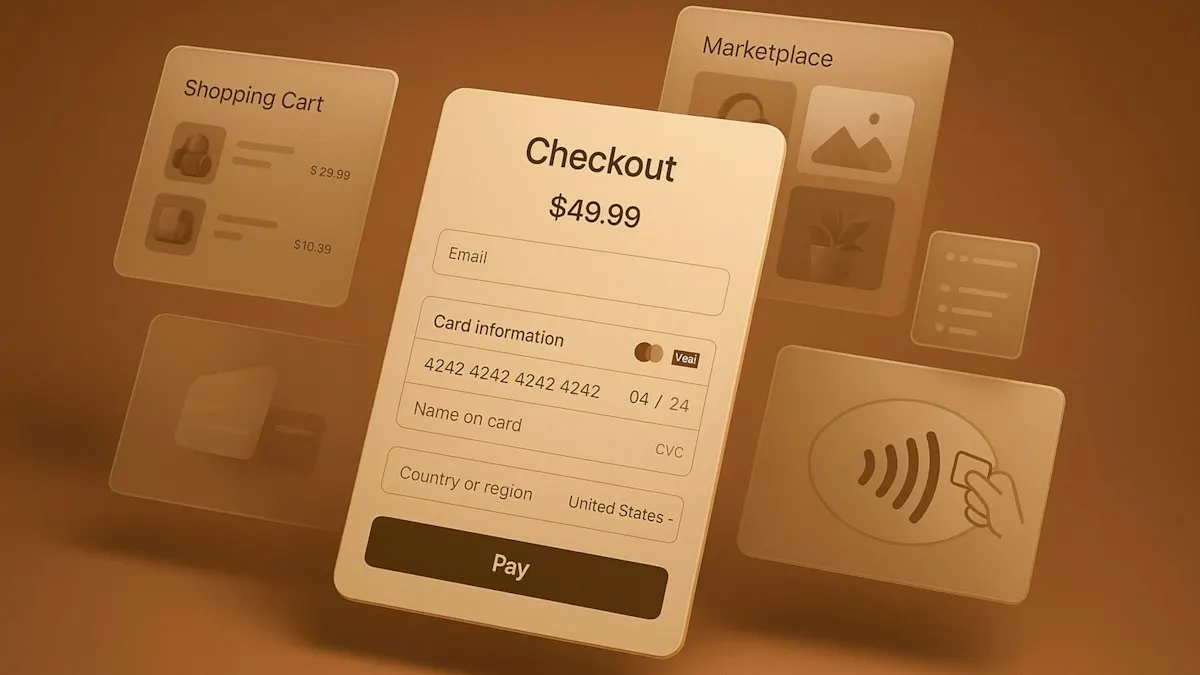
Payment gateway integration in India starts with an RBI-authorised payment aggregator: you sign up, complete its merchant KYC, and connect its checkout to your website or app. The safest setup uses the provider’s own checkout, so card details never reach your servers. It also confirms every payment on your server before marking an order as paid.
This guide is for business owners and managers planning payment gateway integration in a new or existing site or app. It explains what a payment provider actually does, how to choose one, the integration options, the RBI rules that shape your checkout, and what to test before launch. The rules are linked to the Reserve Bank of India’s own circulars and directions.
What does a payment gateway actually do?
People say “payment gateway” for the whole service, but the RBI separates two roles in its Master Direction on Regulation of Payment Aggregators (15 September 2025):
- A payment aggregator (PA) collects payments from your customers across channels such as UPI, cards, net banking and wallets, then settles the money to you. Because it handles funds, it needs RBI authorisation.
- A payment gateway (PG) provides the technology that routes a transaction, without handling the funds.
Most providers businesses sign up with act as payment aggregators and supply the gateway technology too. For you, the difference matters when checking a provider’s regulatory status.
A typical payment works like this:
- The customer chooses to pay on your site or app.
- Your server creates an order with the provider for the exact amount.
- The customer pays in the provider’s checkout (UPI, card, net banking or wallet).
- The provider tells your server the result, and your server verifies it.
- You fulfil the order. The provider later settles the money, minus its fees, to your bank account.
How do you choose a payment provider in India?
Compare providers on the things that affect your business, not just the headline fee:
- Regulatory status. The RBI publishes the status of payment aggregator applications, showing which entities have in-principle authorisation and which are still under process. Check your shortlist there.
- Payment methods. UPI, cards, net banking, wallets and EMI, plus international cards if you sell abroad. Make sure the methods your customers actually use are covered.
- Fees. Ask for the fee per payment method in writing, including charges for refunds, chargebacks and international cards.
- Settlement. How many days until money reaches your account, and whether faster settlement costs extra.
- Integration support. SDKs for your platform (web, Android, iOS, Flutter or React Native), clear documentation, a test mode and webhooks.
- Dashboard and reports. Refunds, settlement reports you can reconcile with your accounts, and access for your finance team.
- Onboarding. What KYC documents they need for your business type, and how long activation takes.
What are the ways to integrate a payment gateway?
Providers usually offer several integration options. The main difference is how much of the payment your own code handles:
| Option | How it works | Card data touches your servers? | Good fit for |
|---|---|---|---|
| Payment link or hosted page | You redirect the customer to the provider’s page | No | Simple sites, invoices, the fastest start |
| Embedded checkout | The provider’s checkout opens inside your page | No | Most websites and online shops |
| Mobile SDK | The provider’s library shows the checkout in your app | No | Android, iOS, Flutter and React Native apps |
| Custom server-to-server API | Your own payment form sends details to the provider | Yes, for cards | Large businesses with full PCI DSS compliance |
| E-commerce plugin | A ready-made extension for your platform | No | Shopify, WooCommerce and similar platforms |
For most businesses, embedded checkout on the web and the provider’s SDK in an app is the right choice. You get a familiar, tested checkout, and card details go straight to the provider.
UPI usually works in two ways. On a phone, “intent” opens the customer’s UPI app (Google Pay, PhonePe, Paytm or their bank’s app) to approve the payment. On a desktop, the customer scans a QR code. Test both on real phones and browsers before launch.
What RBI rules affect your checkout?
Your provider carries most of the regulatory burden, but a few rules shape what you build:
- You can’t store card numbers. Since 1 October 2022, only card issuers and card networks may store actual card data. “Saved cards” work through card-on-file tokenisation: your provider stores a token tied to the card and your business. For reconciliation, you can keep only the last four digits and the issuer’s name.
- Show extra charges before payment. The RBI’s payment aggregator directions require any charges beyond the price of the goods or service, such as a convenience fee, to be displayed distinctly to the customer before the transaction.
- Refunds go back to the original method, unless the customer asks for another method in their own name. Build your refund flow around this rather than offering cash or store credit by default.
- Expect a security check at onboarding. The RBI’s baseline technology recommendations ask payment entities to assess merchants’ security controls and review their PCI DSS status when onboarding them.
How you handle customers’ personal data during payment falls under the DPDP Act 2023. Our DPDP compliance checklist for apps and websites covers consent, notices and retention.
How do you confirm a payment is real?
This is where mistakes are most costly. The rule is simple: never mark an order as paid because the customer’s browser or app says so. A redirect can be faked, interrupted or closed before it finishes.
Instead:
- Create the order on your server with the amount, and store the provider’s order ID against it.
- Verify the result on your server, using the provider’s signature check or by fetching the payment status from its API.
- Listen for webhooks. The provider calls your server when a payment succeeds, fails or is refunded. Verify each webhook’s signature, and make your handler safe to run twice, because providers retry.
- Handle “pending” properly. UPI and net banking payments can take time to confirm. Show the customer a clear “payment processing” state, not a failure.
- Reconcile daily against the provider’s settlement report, at least in the first months.
Pending payments need care. Under the RBI’s rules on failed transactions, a UPI payment where the customer’s account is debited but the merchant gets no confirmation must be auto-reversed within T+5 days. If your system wrongly treats such a payment as failed, the customer may pay twice. If it wrongly treats it as successful, you may ship an order whose money is later reversed.
What should you test before going live?
Use the provider’s test mode and work through:
- a successful payment by each method you offer, including UPI intent on Android and iPhone and a UPI QR on desktop
- a failed payment, a cancelled payment and a customer closing the app mid-payment
- a payment that stays pending, then succeeds or fails later
- the same webhook delivered twice, and a webhook arriving before the customer returns to your site
- a full refund and a partial refund, and how both appear in your order records
- double-clicking “Pay”, slow networks and session timeouts
- order confirmation emails or SMS sent only after server-side verification
After launch, start with a low-risk product or a small group of customers, and watch the first settlement reports closely.
Planning payments for your site or app
Payments touch your website or app, your server, your accounts and your customer support. Decide early which payment methods you need, how refunds will work and who reconciles settlements, so the integration is built around them.
We integrate payment providers into websites and web applications and mobile apps, with server-side verification, webhooks and refunds built in from the start. If you’re planning to take payments online, tell us what you’re building.
Frequently asked questions
What is the difference between a payment gateway and a payment aggregator?
In the RBI's terms, a payment aggregator collects payments from your customers and settles the money to you, so it handles funds and needs RBI authorisation. A payment gateway only provides the technology that routes a transaction, without handling funds. Most providers businesses sign up with act as payment aggregators and offer gateway technology as part of the service.
Can I accept UPI without a payment gateway?
Yes, a bank or UPI app can give you a QR code or UPI ID that customers pay into directly. But your website or app won't know automatically that a particular order has been paid, so you'd have to match payments to orders by hand. A payment provider gives you automatic confirmation, refunds and settlement reports.
Do I need PCI DSS compliance?
If you use your provider's hosted or embedded checkout, card details go straight to the provider and never touch your servers, which keeps your PCI DSS obligations small. The RBI's baseline security recommendations say payment entities should review a merchant's PCI DSS status during onboarding, so expect your provider to ask about it. Handling raw card data yourself needs full PCI DSS compliance.
Can my website save customers' cards for faster checkout?
Not by storing the card numbers. Since 1 October 2022 the RBI has allowed only card issuers and card networks to store actual card data. Saved cards now work through tokenisation: your payment provider stores a token tied to the card and your business, and you can keep only limited details such as the last four digits and the card issuer's name.
How do refunds work?
The RBI's directions for payment aggregators say refunds go back to the original method of payment, unless the customer asks for a different method in their own name. You usually start a refund from the provider's dashboard or through its API, and should record it against the order in your own system.