
Phase 01
Post the Role
Create the job listing in the SparkTalent admin panel, with the title, description, location and application questions.
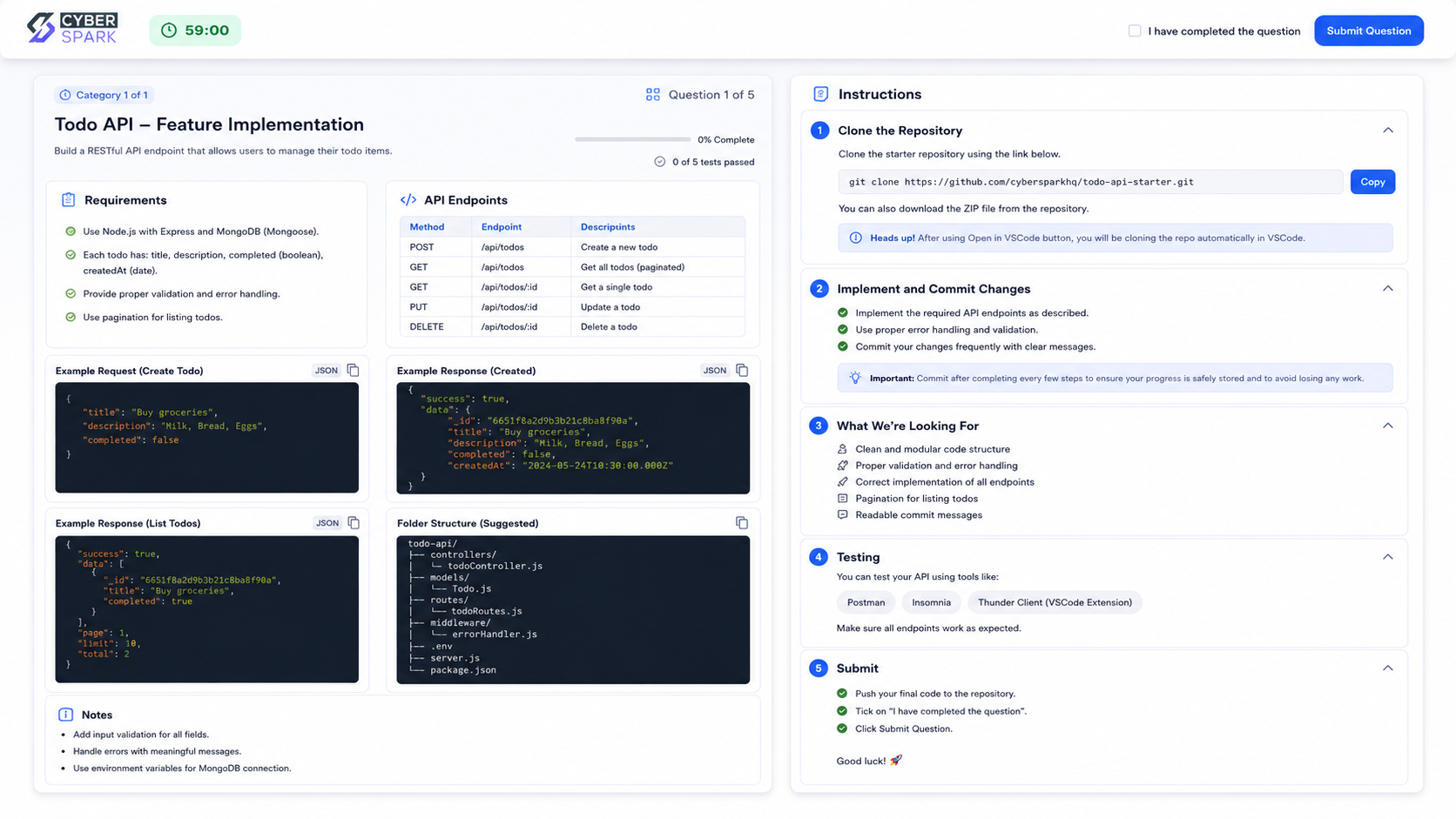
SparkTalent lets you assess candidates for any role on real work, with MCQs, written tasks, one-way video interviews, Git coding tasks and QA tests on a live app. AI proctoring records what happened during the test, so your reviewers can check the evidence and decide.
At a Glance
THE PROBLEM
A CV tells you how well someone describes their work. It doesn't tell you whether they can do the job. For a single opening, hiring teams in India often receive far more applications than they can read carefully, and the first round of phone screens takes up days of an interviewer's time.
We built SparkTalent to fix that in our own hiring. Instead of screening CVs, you give every applicant the same short, relevant task. The people who can do the work stand out, whatever their CV looks like, and your interviewers spend their time only on candidates who have already shown what they can do.
Remote assessments raise a fair question: how do you know the candidate did the work themselves? That is what the AI proctoring is for. It doesn't make the decision for you. It records what happened during the test and shows it to your reviewers.
FIVE ASSESSMENT TYPES
Each stage of an assessment can mix question types, so you test what matters for the role.
Candidates can also upload files, such as portfolios for designers. Combine stages into a pipeline, so candidates move on only when they pass the step before.
AI PROCTORING
AI proctoring means software watches for the signs of an unfair test during a remote assessment, instead of a person watching every candidate live. In SparkTalent, every proctoring feature can be switched on or off for each stage, so you use only what the role needs.
A flag is not a verdict. A candidate may look away to think or have a noisy home. SparkTalent shows your reviewers what happened and leaves the judgement to them.
HOW IT WORKS
Create the job listing in the SparkTalent admin panel, with the title, description, location and application questions.
Attach a multi-stage assessment, mix question types in each stage, set time limits and choose which proctoring features to use.
Import candidates in bulk and send invitations and reminders by email. Candidates get a guided tutorial and step-by-step camera, microphone and screen permissions before they start.
MCQs are graded automatically. For everything else, several reviewers score each answer with written reasons, and scores are averaged into a final number.
BUILT FOR HIRING TEAMS
Candidates' answers, recordings and proctoring evidence are personal data. If you run assessments for people in India, plan how long you keep them and who can see them; our DPDP Act compliance checklist covers what the law expects.
FREQUENTLY ASKED QUESTIONS
Straight answers about assessments, proctoring and scoring.
OUR PRODUCTS
Tell us which roles you are hiring for, and we will show you how SparkTalent can assess them.